

Table of Contents
Introduction to Extruder Maintenance
Extruders are the heart of any 3D printing setup, precisely melting and depositing filament to create intricate designs. However, residue buildup from filament, dust, and wear can lead to clogs, inconsistent extrusion, and premature failure. Regular cleaning not only extends the lifespan of your extruder but also ensures high-quality prints with minimal downtime. In this article, we explore the best cleaning practices to keep your extruder running like new, from daily routines to advanced techniques. By following these steps, you’ll maintain optimal performance and avoid costly replacements.
Understanding Extruder Components
Before diving into cleaning methods, it’s essential to familiarize yourself with key extruder parts. The hotend, including the nozzle, heat block, and heater cartridge, is prone to filament residue. The cold end houses the gears, motor, and filament path, where dust and debris accumulate. Bowden tubes in remote setups can harbor filament shavings. Knowing these components allows targeted cleaning, preventing issues like under-extrusion or jams. Transitioning from understanding to action, let’s outline the essential tools required for effective maintenance.
Essential Tools and Materials
To perform thorough cleanings, gather the right supplies. The following table lists must-have items, their purposes, and approximate costs, helping you prepare efficiently.
| Item | Purpose | Cost Estimate |
|---|---|---|
| Acetone or IPA wipes | Dissolves filament residue | $5-10 |
| Nozzle brush or acupuncture needles | Clears nozzle clogs | $5 |
| Compressed air can | Removes dust from gears | $8 |
| Replacement nozzle (0.4mm) | Quick swap if damaged | $2-5 |
| Isopropyl alcohol (99%) | Degreases components | $10 |
| Tweezers and pliers | Handles small parts safely | $10 |
| Cleaning filament | Internal purging | $15 |
With these tools at hand, you’re equipped for success. Now, moving to routine practices, daily cleaning prevents minor issues from escalating.
Daily Cleaning Routine
Incorporate these quick habits after every few print sessions to maintain smooth operation. Perform them while the extruder is at room temperature to avoid burns or damage.
- Power off and cool the printer completely.
- Wipe the exterior with isopropyl alcohol on a microfiber cloth to remove fingerprints and dust.
- Inspect the nozzle for buildup; gently brush with a nozzle brush while wiping away softened residue.
- Blow compressed air into the fan vents and gear area to dislodge debris.
- Run a short purge line with your current filament to clear any minor clogs.
This five-step process takes under 10 minutes and significantly reduces long-term wear. As prints accumulate, however, deeper intervention becomes necessary, bridging us to weekly protocols.
Weekly Deep Cleaning Procedures
Once a week, or after 20-30 hours of printing, conduct a more intensive clean. Disassemble the hotend partially if comfortable, starting by heating to 220°C for PLA or appropriate filament temperature. Push out old filament with a cleaning filament or nylon wire. Soak metal parts in acetone for PLA residue (avoid ABS parts), then scrub gently. For the cold end, remove the filament tube, clean gears with a brush and alcohol, and lubricate Bowden tubes sparingly with PTFE lubricant. Reassemble carefully, testing with a dry run. These steps restore precision extrusion, but for longevity, integrate monthly checks seamlessly.
Monthly Preventive Maintenance
Monthly rituals address wear beyond dirt. Calibrate the extruder’s E-steps using software like Pronterface, ensuring accurate filament feed. Inspect belts and bearings for tension and lubrication. Replace the nozzle if extrusion width varies by more than 5%. Monitor temperatures with a thermometer for deviations. Upgrading to a high-flow hotend or all-metal design can future-proof your setup. By scheduling these, you preempt failures, transitioning smoothly to avoiding pitfalls.
Common Mistakes to Avoid
Even seasoned users err. Never clean a hot nozzle directly—risks burns and warping. Avoid over-tightening screws during reassembly, which binds gears. Skipping cooling before disassembly leads to filament hardening inside paths. Using household cleaners can corrode aluminum parts; stick to filament-safe solvents. Ignoring Bowden tube wear causes inconsistent feeds. Awareness of these traps ensures your efforts yield results, paving the way for sustained performance.
Advanced Tips for Optimal Performance
For enthusiasts, consider cold pulls: heat to 220°C, insert nylon filament, cool to 100°C, and pull for a clean internal wipe. Enclosures reduce dust ingress, while filament dryers prevent moisture clogs. Monitor via octoprint plugins for early warnings. Filament choice matters—abrasives like glow-in-the-dark accelerate wear, so alternate with PLA basics. These enhancements complement core practices, ensuring your extruder excels long-term.
Conclusion
Maintaining your extruder through consistent cleaning transforms it from a potential headache to a reliable workhorse. From daily wipes and the structured tools table to ordered routines and monthly calibrations, these practices minimize downtime and maximize print quality. Invest time weekly, and you’ll reap rewards in precision and endurance. Start today—your next perfect print awaits a pristine extruder.
Our Products
-
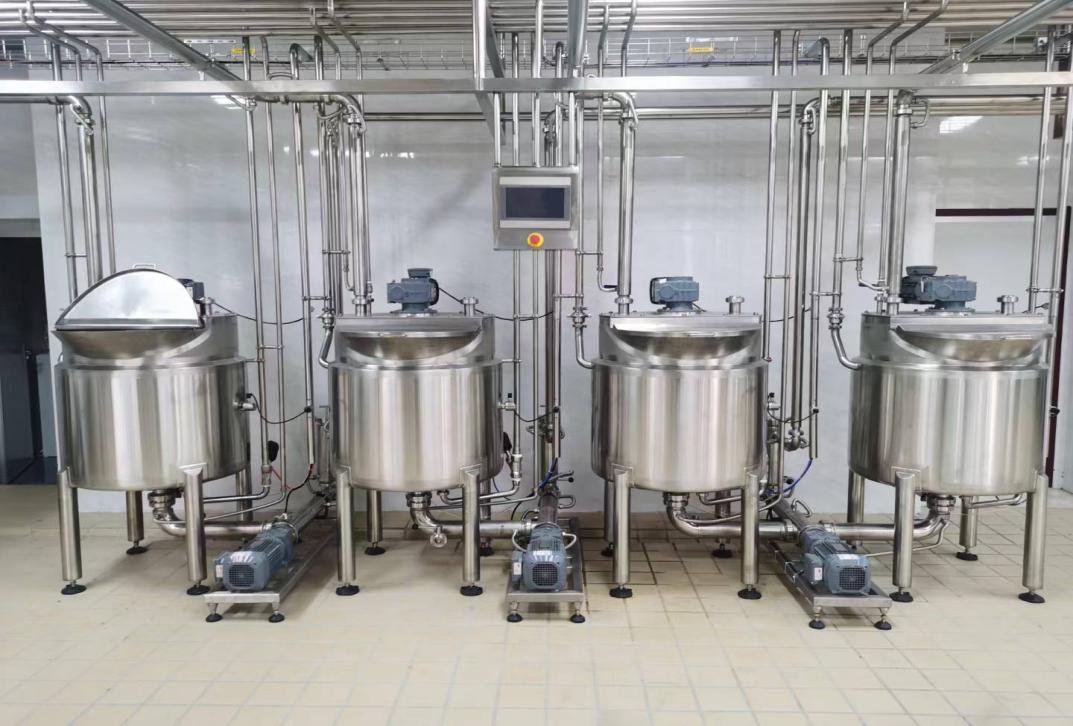
Braided Rainbow Marshmallow Ropes Production Line: Best Making Machine Factory & Supplier
-
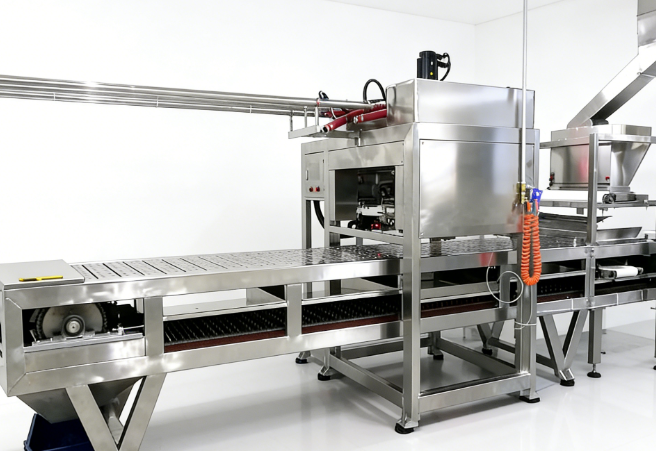
Bulk Industrial Topping Marshmallows Production Line: Best Making Machine Factory & Supplier
-
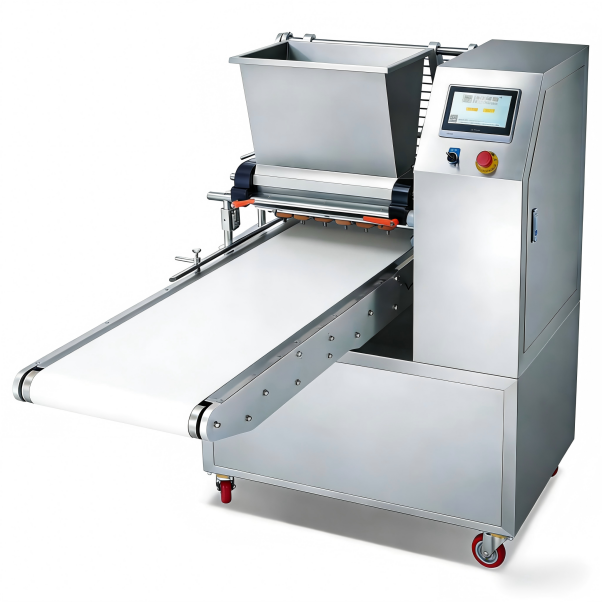
Center-filled Fruit Jam Marshmallows Production Line: Best Making Machine Factory & Supplier
-
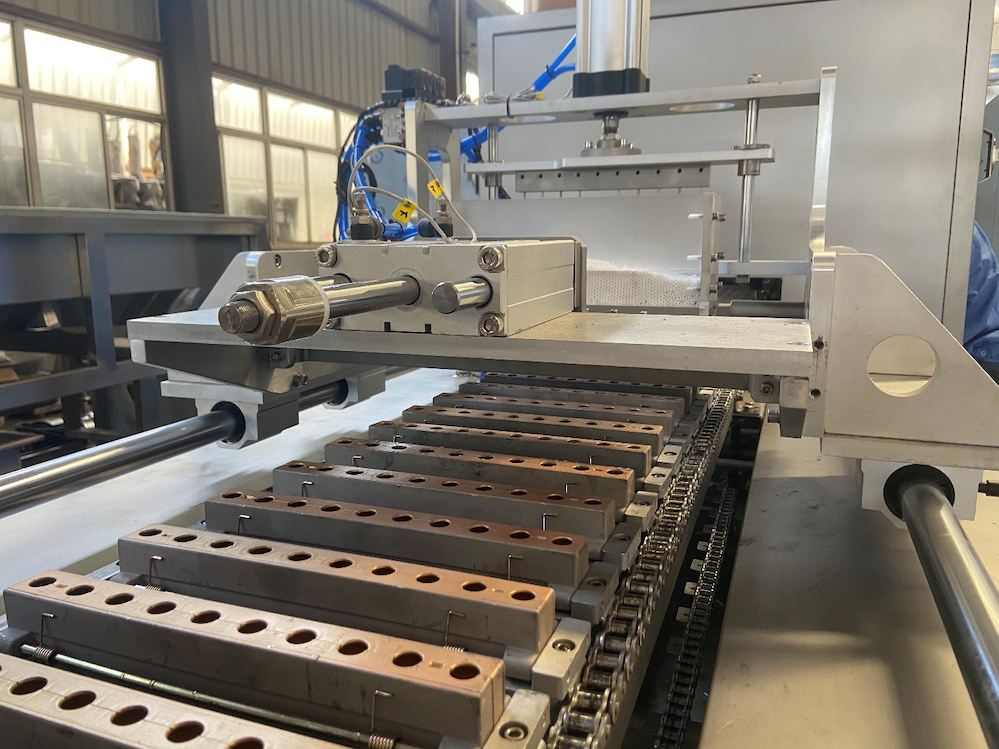
Chocolate Coated Marshmallow Biscuits Production Line: Best Making Machine Factory & Supplier
-
Custom Shape Die-cut Marshmallows Production Line: Best Making Machine Factory & Supplier
-
Dehydrated Crunchy Micro Marshmallows for Cereal Production Line: Best Making Machine Factory & Supplier